

- Model Number:25196
- Place of Origin:Guangdong, China
- Brand Name:Chipskey
- SKU:25196
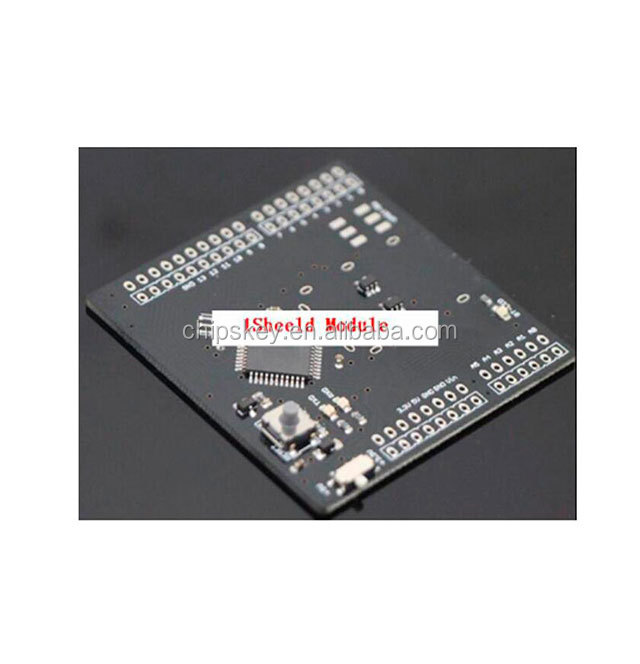
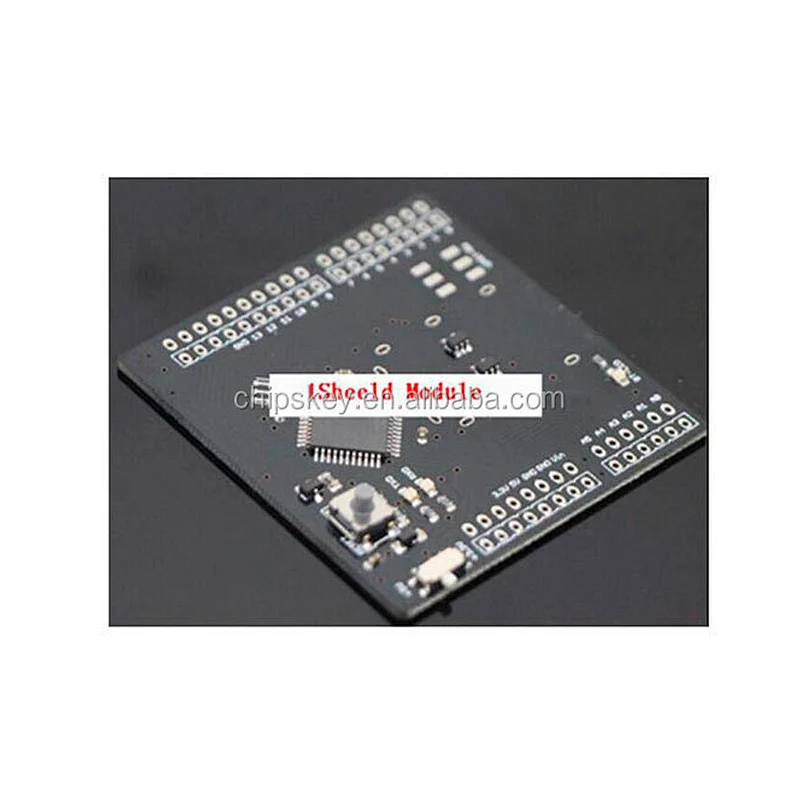
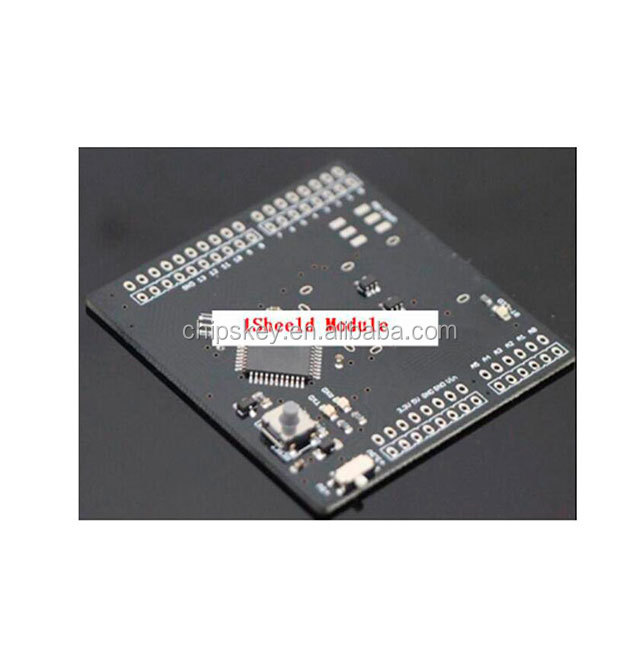
ATMega162-1Sheeld Board
1Sheeld is a new easily configured shield for Arduinos. It is connected to a mobile app that allow the usage of all of smartphones' capabilities such as LCD Screen, Gyroscope, Switches, LEDs, Accelerometer, Magnetometer, GSM, Wi-Fi, GPS …etc. into your Arduinos sketch.
Basically, our product consists of two parts. The first part is a shield that is physically connected to your Arduinos board and acts as a wireless middle-man, piping data between Arduinos and any smartphone via . The second part is a software platform and app on smartphones that manages the communication between our shield and your smartphone and let your choose between different available shields.
By doing that, you can use 1Sheeld as input or output from Arduinos and make use of all of the sensors and peripherals already available on your smartphone instead of buying the actual shields. You can use it to control an RC car using the phone's gyroscope, or even tweet when someone enters the room!
The objective of our product is to provide faster and cheaper ways of prototyping your Arduinos projects.
We introduced a new dimension to Arduinos shields, by using the power of smartphones to simplify the electronics prototyping process, we will provide the best and the most convenient solution for hobbyists who need affordable prototyping with the lowest costs.
What can you do with 1Sheeld?
Sky is the limit! You have a powerful smartphone that can be used to control your RC car, tweet when plants are thirsty, and have fun playing with your friends.
We have already developed a variety of shields for 1Sheeld like LED, Toggle Button, Buzzer, Slider, LCD, 7-Segment, Keypad, Music Player, Game Pad, Notifications, Twitter, Facebook, Foursquare, Gyroscope, SMS, Flashlight and Mic. And we have many other shields coming in the pipeline.
Buzzer Shield – Use the speaker in your smartphone buzz a certain tone, no need to buy a speaker and hook it up to Arduinos, make this as the output function triggered by Arduinos when a certain action happens.
Keypad Shield - Use your smartphone touch screen as a keypad. Want to open your room with a pin code? With just few code lines you have the advantage of using a 4x4 keypad so you can enter a password to trigger Arduinos and open your door using a motor.
LED Shield - Use your smartphone screen as a simple LED to test your output pins.
Seven Segments Shield - Use your smartphone screen as a seven segment display. Seven segments are awesome electronic display for displaying numbers.
Twitter Shield - Bringing twitter into your Arduinos sketch. Twitter shield allows you to send tweets with only 1 line of code in your sketch.
Facebook Shield - Helps you update your status on Facebook under certain conditions declared in your sketch.
Foursquare Shield - Now you can check-in at any place automatically given the ID of the place if a certain condition is met.
Email Shield - Send emails when any hardware event happens.
Toggle Button Shield - Use your smartphone touch screen as an on or off button. Just two simple words can fit in your code so you can control things by checking the state of toggle button on your smartphone.
Push Button Shield - Use your smartphone screen as a virtual push button to make it easier to test your ideas that uses a real push button.
Skype Shield - Skype is now in your sketch, feel free to call or video-call others when a certain condition is met.
Slider Shield - Use your smartphone touch screen as a slider. It's always cool to control things using a slider like controlling light intensity or motors, so here comes the slider shield to help you control peripherals with your smartphone.
SMS Shield - Allows you to send an SMS to a phone number when a certain trigger is on.
Camera Shield - Allows you to take pictures when a certain event happens, use your Arduinos board to trigger the camera in your smartphone, you can take photos in the dark as well with the flash light.
Gyroscope Sensor Shield - Tinker with the Gyroscope sensor in your smartphone and turn on some LEDs while playing with the by getting the values on the 3-Axis (X, Y & Z), you can use it also to drive an Arduinos controlled car.
Mic Shield - Use the sound level to trigger a hardware action, sense the level of noise to trigger an alarm, how about opening your door with a secret knock!
Accelerometer Shield - Get the acceleration of a moving objects is easier now by writing a simple line in your sketch, the shield gets you the data of X, Y and Z axis of the accelerometer sensor in your smartphone.
Add your own shields?
We intend to make the platform as open as possible, that's why we will release development specifications and APIs to ease to developers to make their own shields based on our platform, developers then can upload these shields to Google play store. Thus, you will have only one physical Arduinos shield and unlimited number of shields!
Technical Specification
Uses a standard HC-06 adapter ( 2.1)
Range up to 30 feet
Running on an Atmel ATMega162
16 MHz operating frequency
Communicate with Arduinos using UART
Send Message
Related Products