
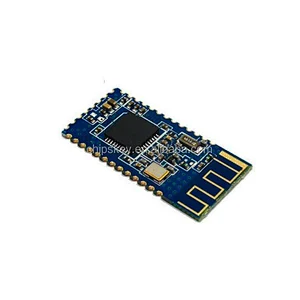
- Model Number:23051
- Type:RF/Wireless Development Boards and Kits
- Place of Origin:China
- Certification 1:ROHS
- Certification 2:CE
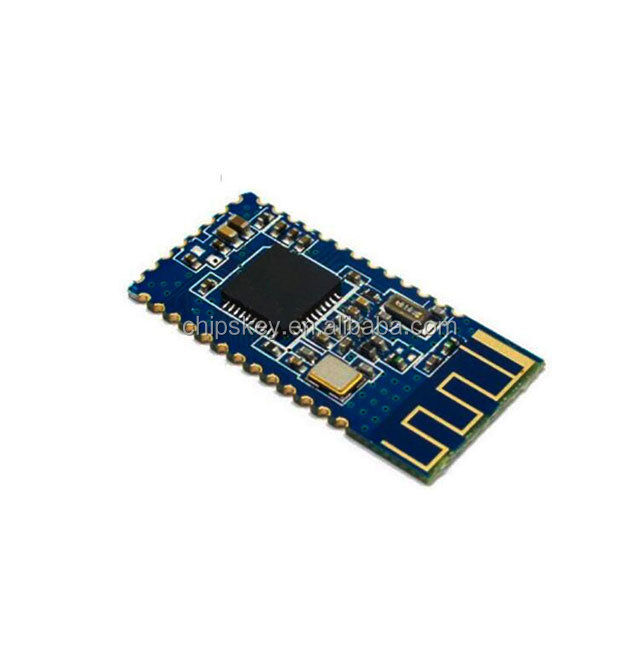
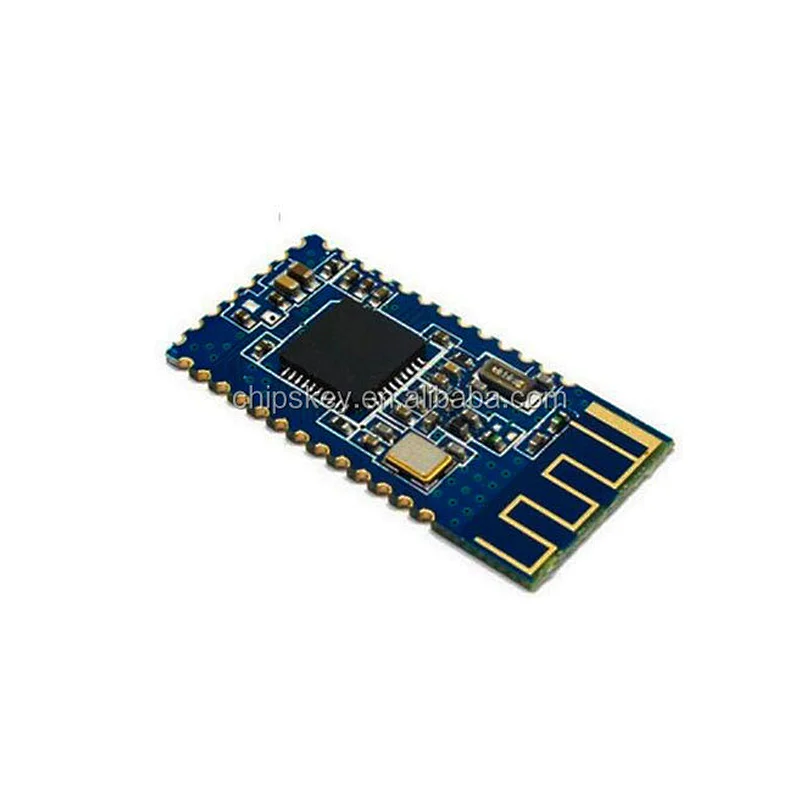
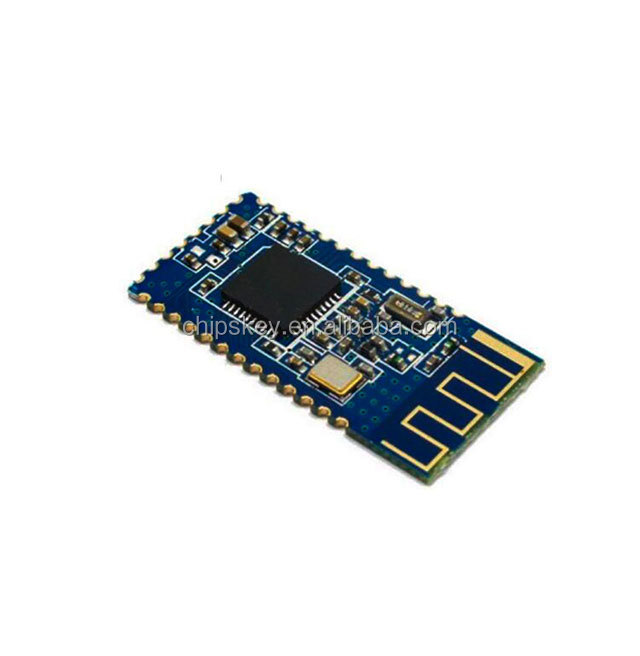
"HM-10 / HM-11 Bluetoot 4.0 cc2541 low-power BLE module
specification
Bluetoot version: V4.0
Connection distance: 100 feet
Power consumption: 90uA-800uA
Reaction rate: 0.4s
MFI: Not required
Board size 27 × 13 × 0.8mm
Version 1.0
Operating level digital 3.3V
Power supply external 3.3V
Device function
TI cc2540 Bluetoot chip solution
Fully qualified Bluetoot V4.0
Full-speed Bluetoot operation, full piconet support and decentralized network support
With 3.3V input and RoHS compliant small size
UART interface and baud rate setting function
AT Commanders (new version V542)
AT (test command)
AT + baud (check / set baud rate)
AT + CHK (Query / Set Parity)
AT + STOP (check / set parking)
AT + UART (Query / Set Serial Rate, Parity, Stop Bit)
AT + Query / Set PIO Pin Status Long Command
AT + PIO (Query / Set PIO pin sttus short command)
AT + NAME (Query / Set Device Friendly Name)
AT + PIN (check / set device password)
AT + DEFAULT (reset device settings)
AT + RESTART (restart the device)
AT + ROLE (Query / Set Device Mode, Master Slave)
AT + CLEAR (if there is a clear remote device address)
AT + CONLAST (try the last connection to connect successfully, device)
AT + VERSION (display software version information)
AT + HELP (Show help information)
AT + RADD (Query Remote Device Address)
AT + LADD (check own address)
AT + IMME (Query / Set whether the device starts up immediately)
AT + WORK (if the device is not working, start work, use the AT + IMME command)
AT + Query / Settings Try connecting remote time
AT + TYPE (query / set device work type, send and receive mode or remote mode)
AT + START (remote mode switch to send and receive mode)
AT + BUFF (query / use of buffer data, Duing mode switching time)
AT + FILT (device search query / set device filter) A
T + COD (check / set device class, eg phone, headset, etc.)
"
Send Message
Related Products